Looking for a low-cost, capable coding assistant? I replaced GitHub Copilot with DeepSeek inside VS Code on Windows 11 + WSL Ubuntu. Setup took under 10 minutes — here's the concise version.
Signed up at platform.deepseek.com → created an API key → added $5 credits (pay-as-you-go, very cheap).
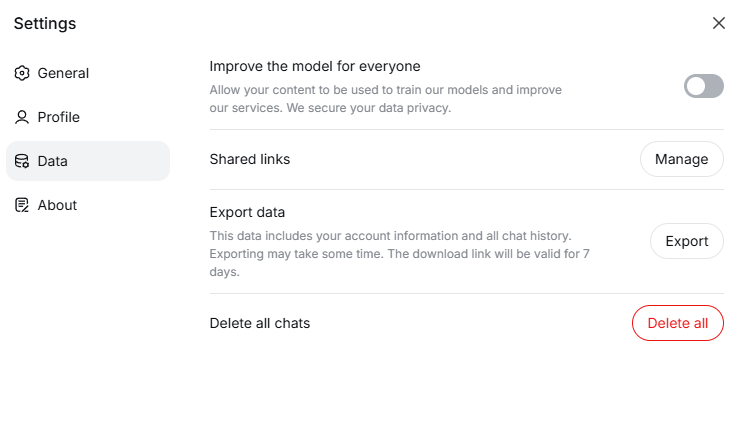
Please note that when you create a DeepSeek account, your data is used for training by default. You can, however, disable this via the settings.
In VS Code connected to WSL Ubuntu, installed OpenCode extension from marketplace. Opened its settings and connected to DeepSeek Flash with my API key.
Followed the official tutorial — used DeepSeek to generate a todo app (HTML/CSS/JS), then enhanced it with "strikethrough for completed tasks". It worked seamlessly for local agent tasks.
Prompt 1: "Create a simple todo app with HTML, CSS, and JavaScript in todo.html. Include an input field to add todos, a list to display them, and a delete button for each item."

Prompt 2: "Mark todos as completed with a strikethrough effect."

Prompt 3: "Create a plan to add a dark/light theme toggle to the app in todo.html. The toggle should switch between themes and persist the user's preference."